
You may have noticed that if you Azure Active Directory join a PC you can no longer RDP into it using a non-Azure username and password. The fix is relatively simple.
\n\n\n\nHere is the error you will receive.
\n\n\n\n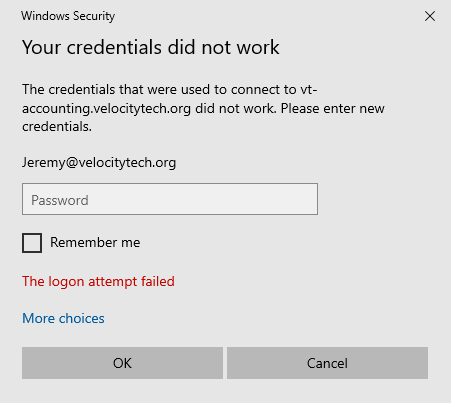
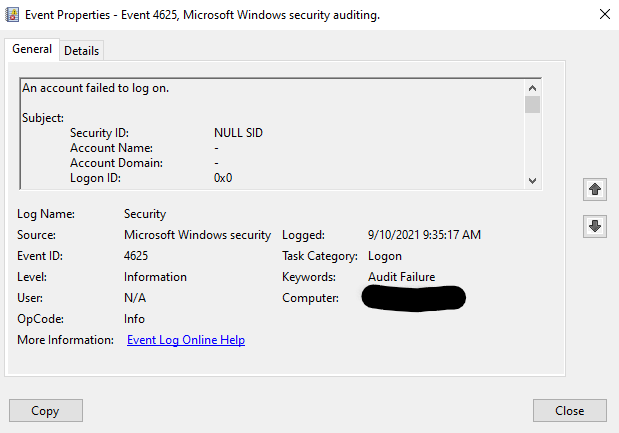
You'll want to turn off Network Level Authentication.
\n\n\n\nType sysdm.cpl into the start menu search and make sure this option is unchecked.
\n\n\n\n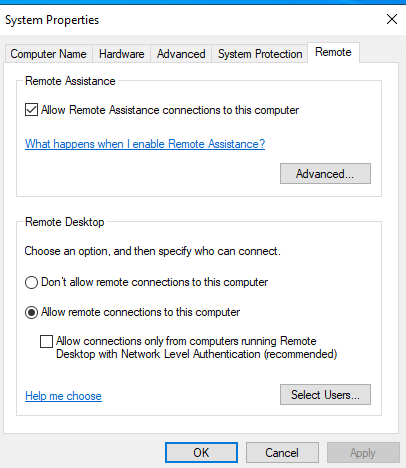
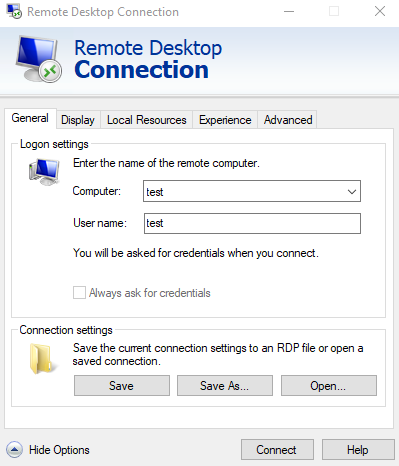
Open notepad and edit this new .rdp file. You can see here I have a bunch of customized settings. The only lines that are relevant are the top four that I've commented on.
\n\n\n\n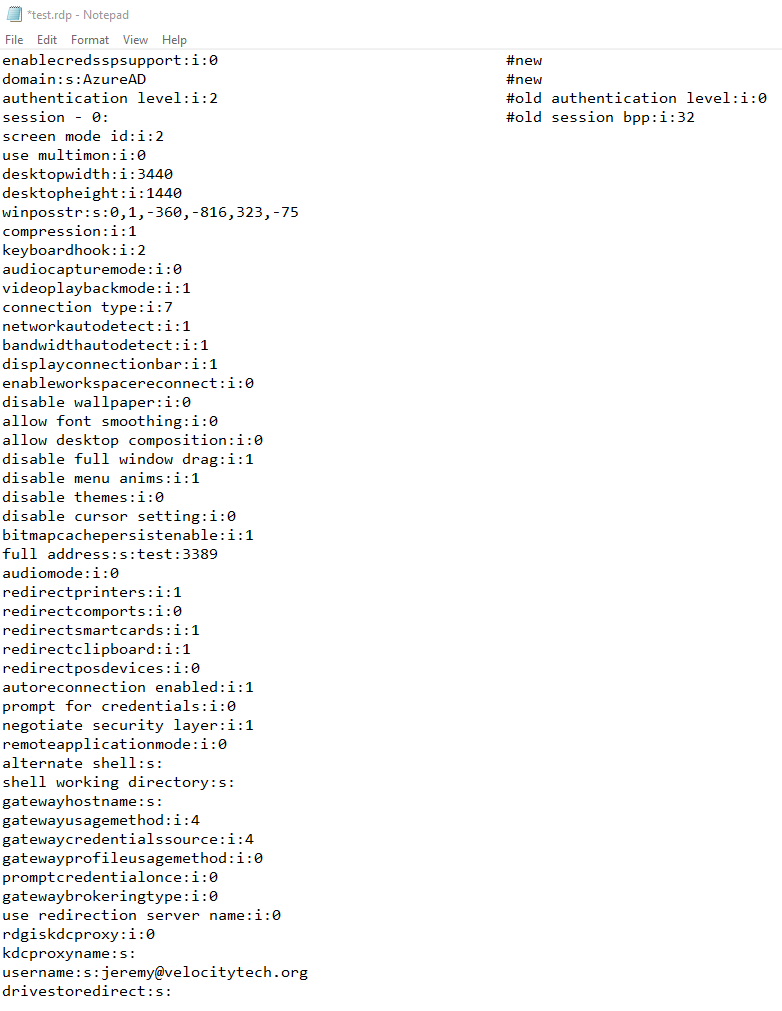
That's it! Once you've saved this file you will not be able to login to an Azure Active Directory-joined computer using any non-domain account. Velocity Technologies specializes in remote connection solutions for small to medium size businesses. For all of your business remote or VPN, connections call us anytime, 602-445-9816.
\n